Digital Scholarship at Columbia
ASK US A QUESTION
Have questions about scholarly publishing, digital humanities, research impact and metrics, open access, podcasting, research computing, integrating digital methods in the classroom, or crafting a professional presence online? Email us at digitalscholarship@library.columbia.edu.
Support at Every Stage of the Research Lifecycle
We think that the best way to learn is to do. Whether you're interested in digital humanities, open science, podcasting and publishing, integrating digital methods into your research or teaching, or enhancing your computational skills, we can help!
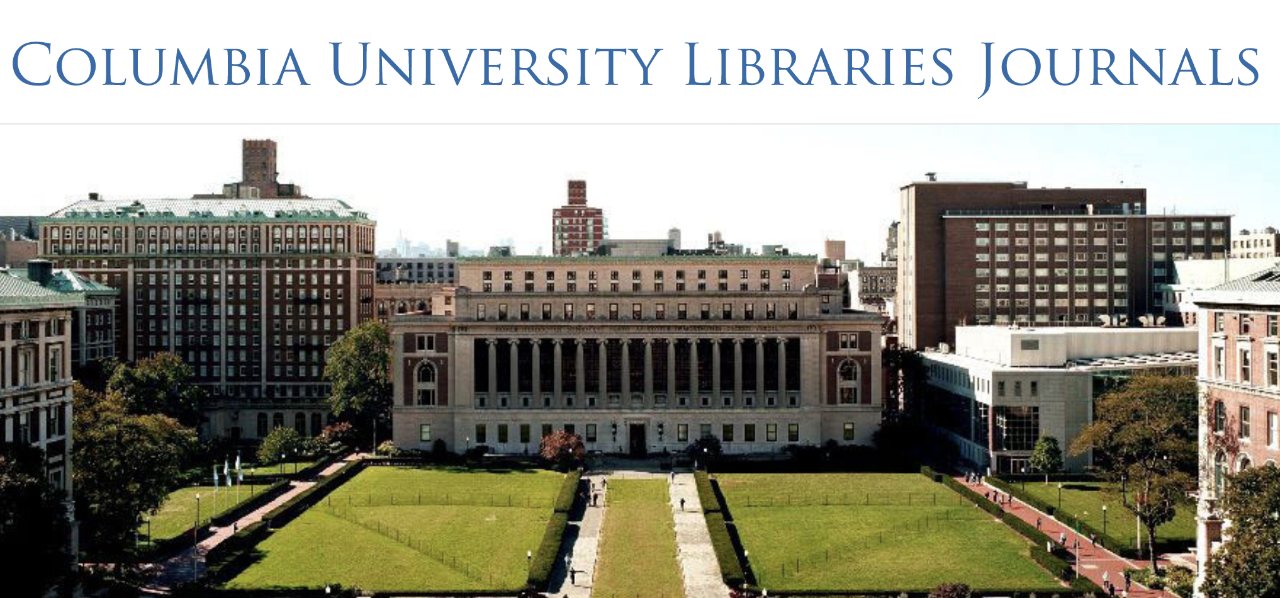
Learn about our Journal and Podcasting Partnerships and our other support for publishing and promoting your work.

Research with DS
Digital Scholarship provides a host of research services including software and training for digital humanities tools, scanning/digitization, textual analysis, data management, and media production.
Our Research Data Services team provide support and consultation for Columbia community members working with data management, visualization, and storage, as well as GIS and mapping.
Foundations in Research Computing provides informal training for Columbia University graduate students and postdoctoral scholars to develop fundamental skills for harnessing computation.
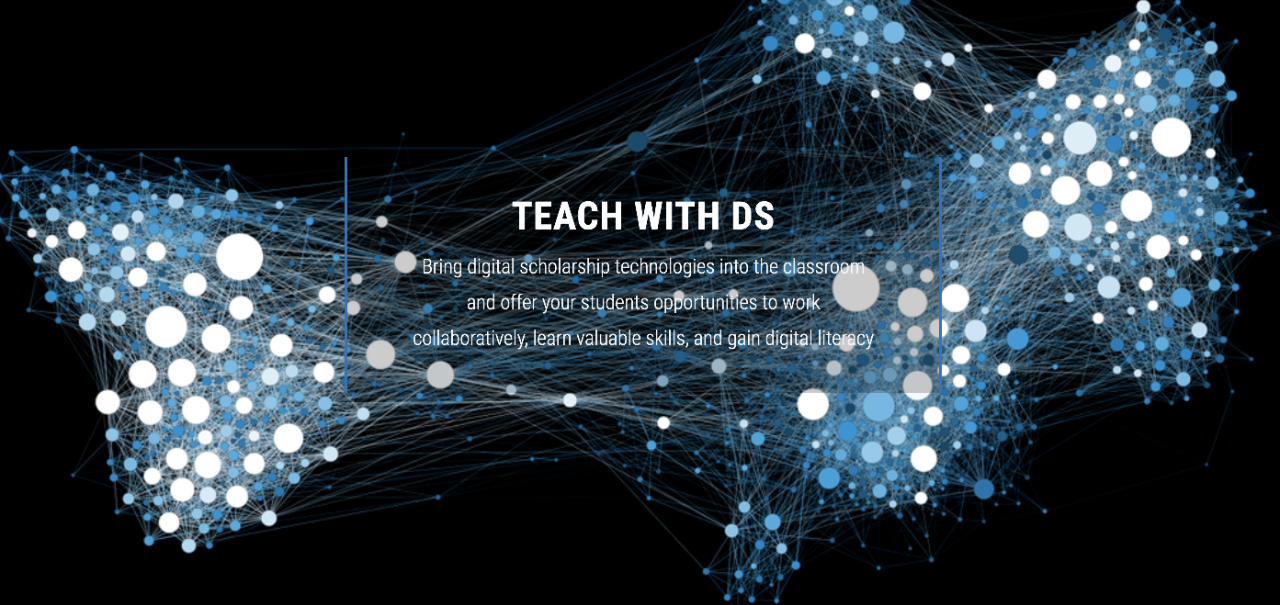
The Teach with DS Program is designed to help faculty integrate computational research methods, or hands on technical literacy into the classroom.
Academic Commons
Digital Scholarship supports free, global access to research and scholarly outputs produced at Columbia. Our institutional repository, Academic Commons, provides open, persistent access to the scholarship produced by researchers at Columbia University, Barnard College, Jewish Theological Seminary, Teachers College, and Union Theological Seminary
Academic Commons is indexed by leading search engines, metadata aggregators, the Columbia Libraries catalog, and the Columbia University website, enhancing the discoverability and impact of your scholarship.
Visit Academic Commons for more information or to contribute your work.